
Engine Simulator Dyno Testing
Measure synthesized engines with RPM hold, dynamometer load, and clean power/torque readouts.
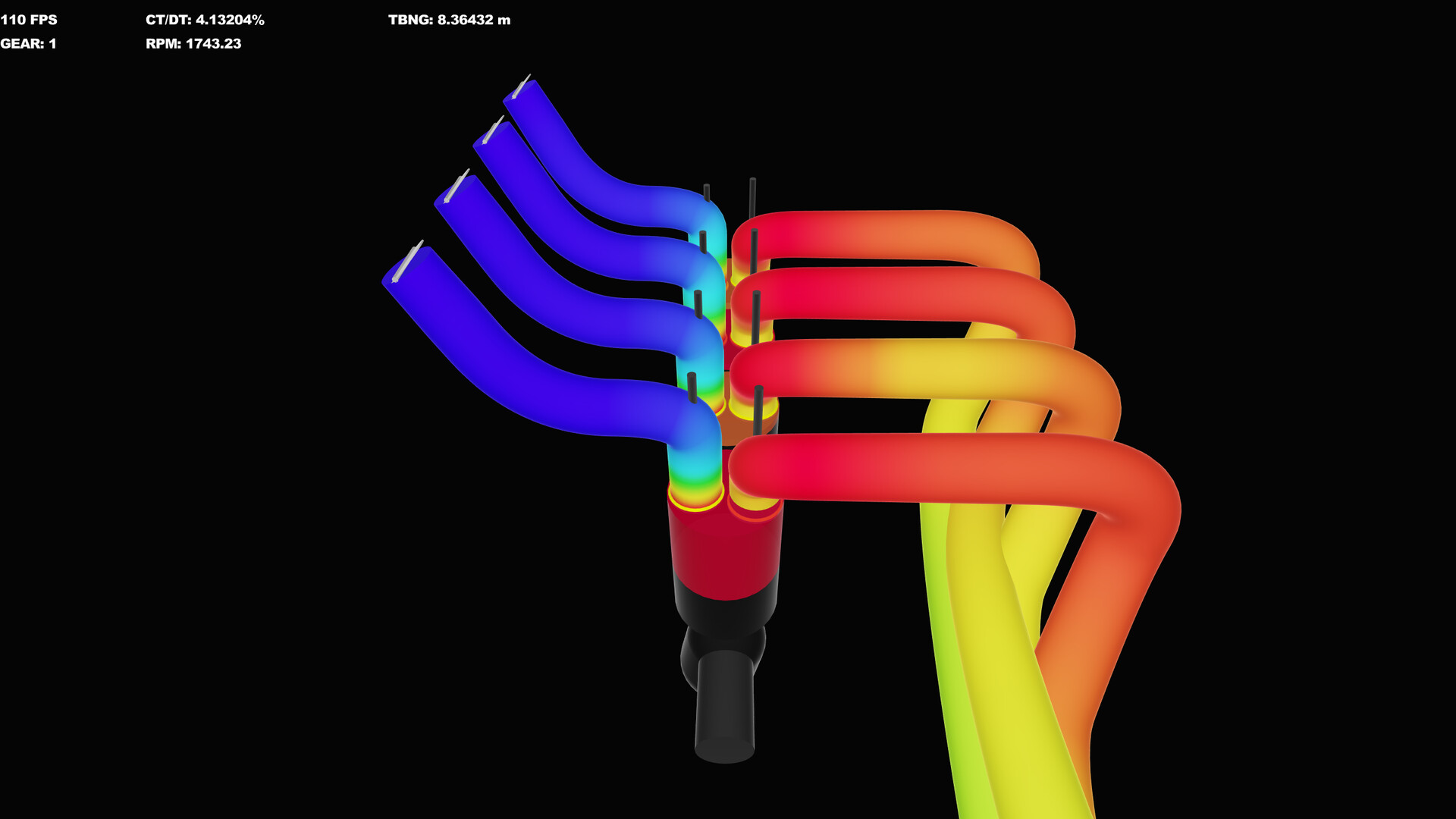
The dynamometer is how Engine Simulator turns a loud idle into actionable numbers. Because torque and power are derived from the same physics that feeds the audio synthesizer, a careful dyno pass teaches you both performance and whether your model is numerically healthy. This guide covers Community Edition workflows that also prepare you for the Steam product’s tuning tools.
Prerequisites: a running engine from Getting Started, comfort with keys from Controls, and RT/DT near 70 per Performance Tuning.
What the dyno is doing
When you enable the dynamometer (D), the sim applies a controlled load path so the engine is no longer free-revving against minimal resistance. RPM hold (H) motors or restrains the engine toward a target speed shown on the dyno speed gauge. Together they let you sample torque and power at chosen RPM points or during a sweep.
Press I to surface dyno statistics in the information panel when you need the numeric readout rather than gauge glances alone.
Method A — RPM hold map (recommended for learning)
Use this when you want repeatable points for cam or timing changes.
- Start the engine and let idle stabilize with ignition on (A) and a light throttle.
- Press H to arm RPM hold.
- Press D to enable the dynamometer so hold can take effect.
- Hold G and scroll to set the target RPM (watch the dyno speed gauge).
- Open throttle—often full throttle with R once the hold is stable—and wait for torque/power to settle.
- Record the numbers, then step the target by 250–500 RPM and repeat through the useful range.
With closed throttle you may see negative torque: the dyno is motoring the engine against friction and pumping losses. That is useful for friction sanity checks, not for peak power claims.
Method B — Sweep-oriented pass
For a quicker curve:
- Enable the dynamometer with D.
- Apply a controlled throttle (often full) with R or fine Space-scroll.
- Allow RPM to climb under load while watching power and torque traces/gauges.
- Avoid slamming time warp mid-sweep; warped sweeps look fast and lie about transient behavior.
Sweeps are excellent for spotting a cam that falls on its face or an intake that chokes up top. Holds are better when you are A/B testing a single change at 4500 and 7000 RPM.
Reading power and torque without fooling yourself
- Settle time: After changing hold RPM or throttle, wait until the readout stops hunting.
- Units: Know whether your loaded theme is showing metric or imperial; switch themes if needed so your notes match.
- Comparable runs only: Change one script variable at a time, reload with Enter, and retune RT/DT if the new mesh is heavier.
- Audio as a sensor: Harsh crackle mid-pull usually means CPU starvation, not a magical power gain—fix frequency first.
- Driveline losses: If a vehicle/transmission is attached, remember you may be observing a different station than flywheel-only scripts.
Suggested test plan for a new community engine
- Idle quality and starter behavior notes.
- Hold at 2000 / 4000 / 6000 RPM (adjust to the engine’s redline).
- One full-throttle sweep to redline caution zone.
- Repeat after a single script tweak (timing, throttle body, or cam).
- Save a short written log: engine name, CE version, frequency, RT/DT, and numbers.
Catalog engines from catalog.engine-sim.parts vary wildly in polish. A beautiful V8 that overloads your CPU is not “more powerful” in any meaningful wiki sense until RT/DT is honest. Loading help: Load Community Engines.
Connecting dyno work to engine creation
When you edit firing order, rod ratios, or bank angles in Create Engines, use hold points as regression tests. If a “better” cam adds midrange but the idle collapses, your dyno log should show both truths. The Steam editor demos emphasize live tuning while hearing the model—practice that discipline now on CE even if the UI is more manual.
Dyno etiquette for sharing results
If you post curves on Discord or YouTube:
- State CE version (for example v0.1.14a notes) and approximate simulation frequency.
- Name the script and whether you used Load Script or
main.mr. - Do not compare a time-warped, RT/DT-90 run against someone’s stable RT/DT-70 pull.
- Separate flywheel-oriented scripts from full vehicle pulls.
Official community links are listed on Links. Layout character and “how it should feel” rankings live on the Best Engines Hub—use dyno numbers to support takes, not replace listening.
Troubleshooting dyno sessions
| Symptom | Likely cause | Fix |
|---|---|---|
| Hold does nothing | Dyno off | Press D after H |
| Numbers jump wildly | Unsettled sim / audio overload | Lower frequency; wait longer |
| Negative torque everywhere | Closed throttle while motoring | Open throttle for power pulls |
| Engine stalls under load | Idle mixture / clutch / gear | Close dyno, fix idle, retry |
| Crash on extreme RPM | Script limits or numerical blow-up | Back off target; inspect .mr |
After the pull
Export or note anything you care about, then decide the next lever: geometry edits, a different community engine, or audio capture via Audio Export. Wishlist the Steam build on app 2381500 if you want the forthcoming editor-centric tuning loop described in Steam Status.
Treat the dyno as a lab bench, not a scoreboard. Steady holds, honest RT/DT, and one-variable changes will teach more engine intuition than a single viral redline screenshot.
Frequently Asked Questions
Quick answers about setup, controls, dyno testing, and builds.
What is the correct order for RPM hold?
Arm hold with H, enable the dynamometer with D, set speed with G + scroll, then apply throttle and read the settled power/torque values.
Why is torque negative?
With little or no throttle the dyno may motor the engine, so the readout shows the torque required to overcome losses. Open the throttle for powered measurements.
Should I use time warp during a dyno pull?
Avoid high time warp while gathering numbers you care about. It shortens waiting but muddies transient behavior and can hide CPU problems.
How do I show dyno statistics?
Press I to display dyno stats in the information panel, and watch the dyno-related gauges while adjusting hold speed.
Can I compare two engines fairly?
Match simulation frequency quality (stable RT/DT near 70), use the same test RPM points, and change only one variable between runs when tuning a single script.