
Guides
Complete Engine Simulator guides hub covering Community Edition install, controls, dyno testing, custom .mr engines, and performance tuning.
View all GuidesGuides, dyno tips, and custom engine builds.
Unofficial Engine Simulator wiki covering Community Edition setup, controls, dyno testing, custom engines, and Steam wishlist news.
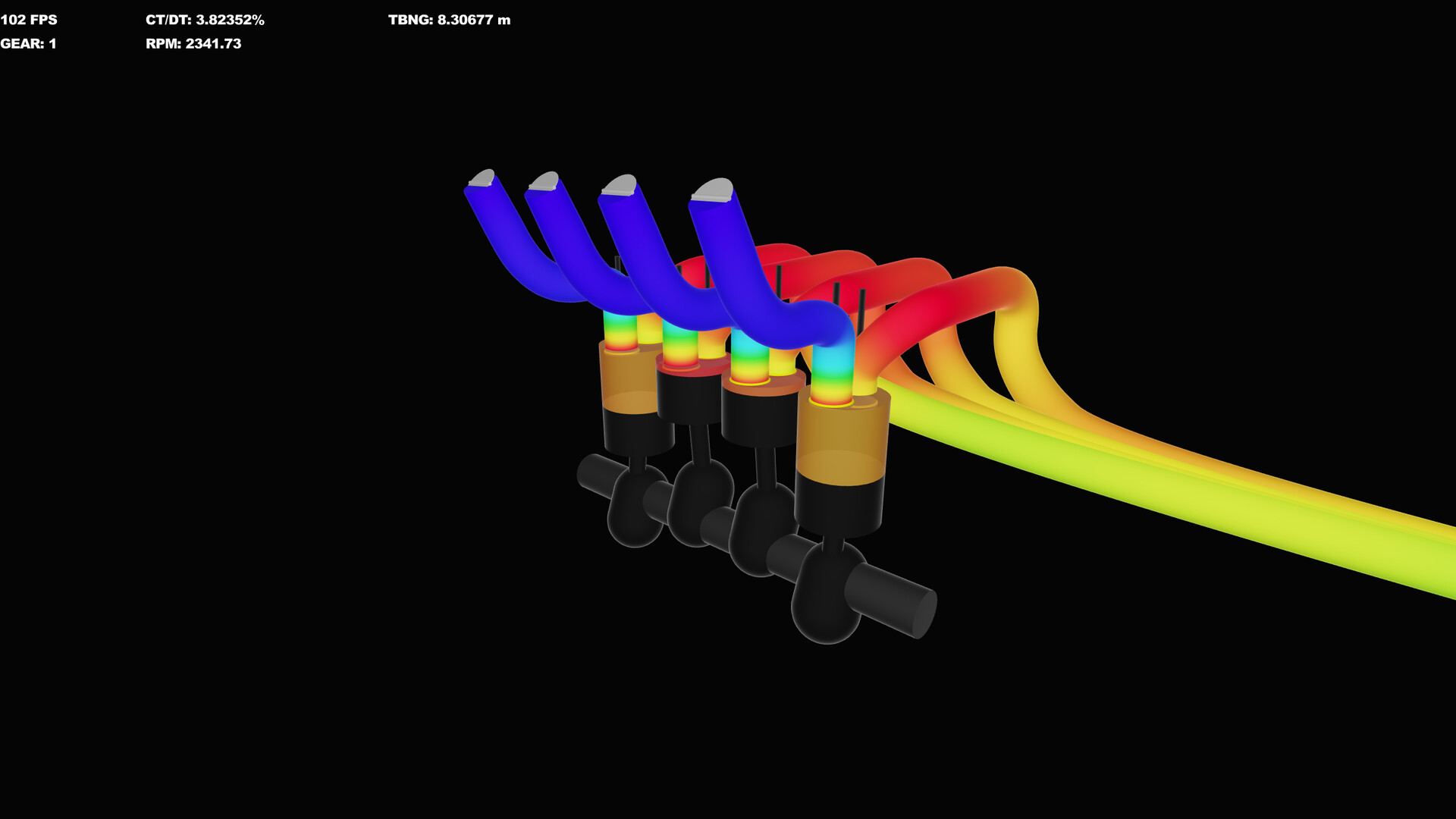
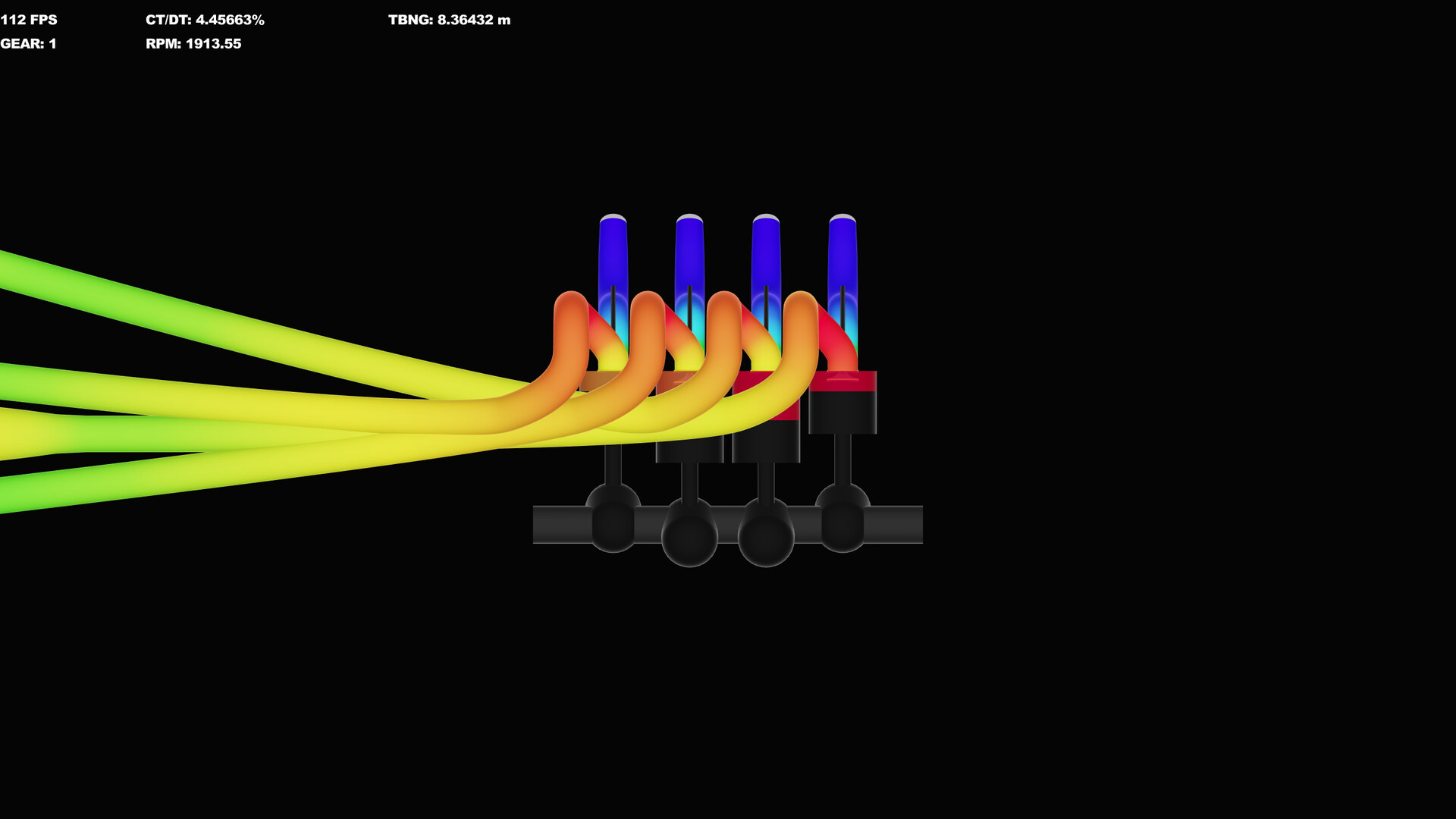
Engine Simulator by AngeTheGreat (Ektorom Software Inc.) is a physics-based internal combustion engine sim with synthesized real-time audio. The free Community Edition lets you install, tune, and hear engines today while the full Steam release remains TBA. Start with the Getting Started guide, learn the controls, compare engines on the tier list, check system requirements, follow Steam status, and bookmark useful links.
Complete Engine Simulator guides hub covering Community Edition install, controls, dyno testing, custom .mr engines, and performance tuning.
View all GuidesEngine Simulator layout tier list ranking I4, I6, V8 flat and cross-plane, V12, rotary, and radial for sound, feel, and teaching value.
View all Best EnginesEngine Simulator tools hub for Steam and Community Edition system requirements planning plus high-quality audio export workflow tips.
View all ToolsEngine Simulator updates hub covering Steam TBA status, development roadmap, editor progress, and Community Edition maintenance context.
View all UpdatesEngine Simulator official and community links: Steam wishlist, GitHub Community Edition, engine catalog, Discord, YouTube, and Patreon.
View all LinksFollow the Steam page and read Steam status for release news, wishlist tips, and how Community Edition fits alongside the upcoming build.
Grab the free Community Edition and install it with our Getting Started walkthrough — folders, first launch, and common setup fixes.
Master throttle, ignition, camera, and editor shortcuts in the controls guide so you can run and inspect engines without fighting the UI.
Load an engine, warm it up, and pull a clean power curve with the dyno testing guide — RPM range, load, and reading the results.
Import shared builds via load community engines, then design crank, cams, and manifolds in create engines.
Quick answers about setup, controls, dyno testing, and builds.
A physics-based internal combustion engine simulation by AngeTheGreat (Ektorom Software Inc.) that models mechanical and fluid behavior and synthesizes real-time engine audio. See Getting Started for how to try the free Community Edition.
Community Edition is free to download today. The full Steam version is TBA — check Steam status and wishlist the official store page.
Install with Getting Started, learn the controls, then run a dyno test. Compare popular builds on the tier list when you are ready.
Yes. Import shared scripts with load community engines, or design from scratch in create engines. Confirm system requirements before heavy builds.
This wiki supports: English, Français, Deutsch, Español.
No. This is an unofficial fan resource. For developer news, use the Steam page and channels listed under links. Always verify release details against official announcements.
From Community Edition install to dyno pulls and custom builds, our guides cover the full loop. Start with Getting Started or jump into controls and the tier list.
Start with Getting Started